Photo Retouch object removal introduction
1、Import a picture to be edited

2、Paint on unwanted objects. There are many effects for you. Click to switch.

3、Save photos after deleting

- Tips for deleting objects
- Tutorials for iOS version

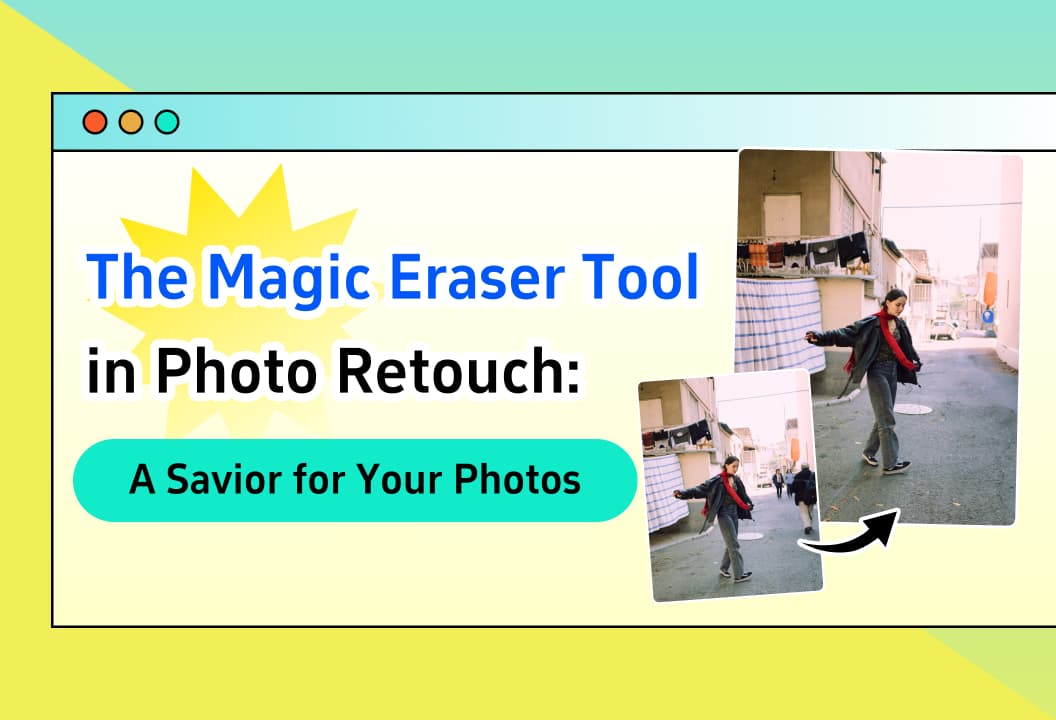
- The Magic Eraser Tool in Photo Retouch: A Savior for Your Photos
Learn about the Delete Object Tool in one minute.

- Photo Retouch One - Click Cutout: Exploring the Mysterious Black Technology in Image Editing
This article will introduce you to the one-click cutout function.

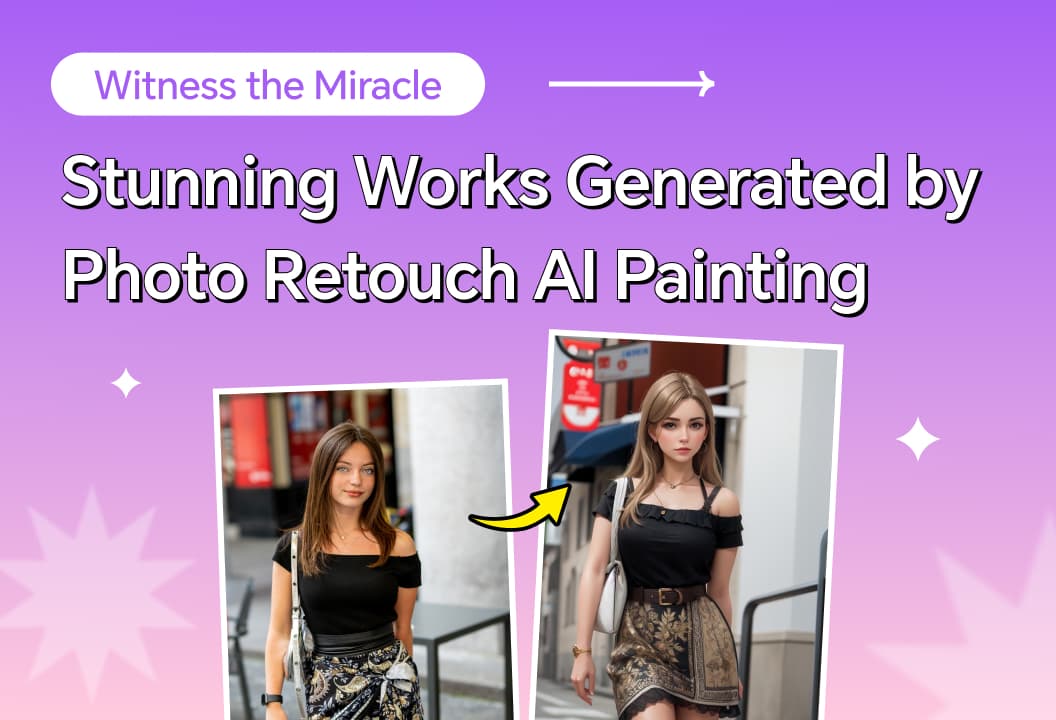
- Witness the Miracle: Stunning Works Generated by Photo Retouch AI Painting
This article introduces the functions of AI painting. Just input text or pictures, and you can easily generate comic-like pictures!

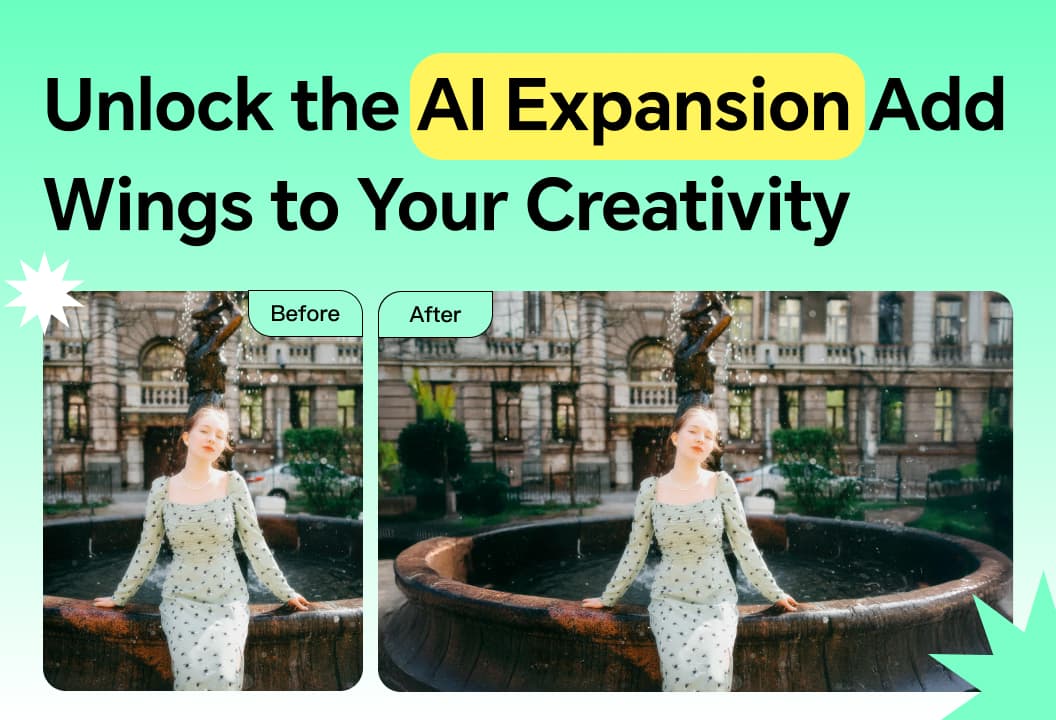
- Unlock the AI Expansion of Photo Retouch: Add Wings to Your Creativity
AI expansion feature bring? It brings a new level of flexibility and creativity to your photo editing.

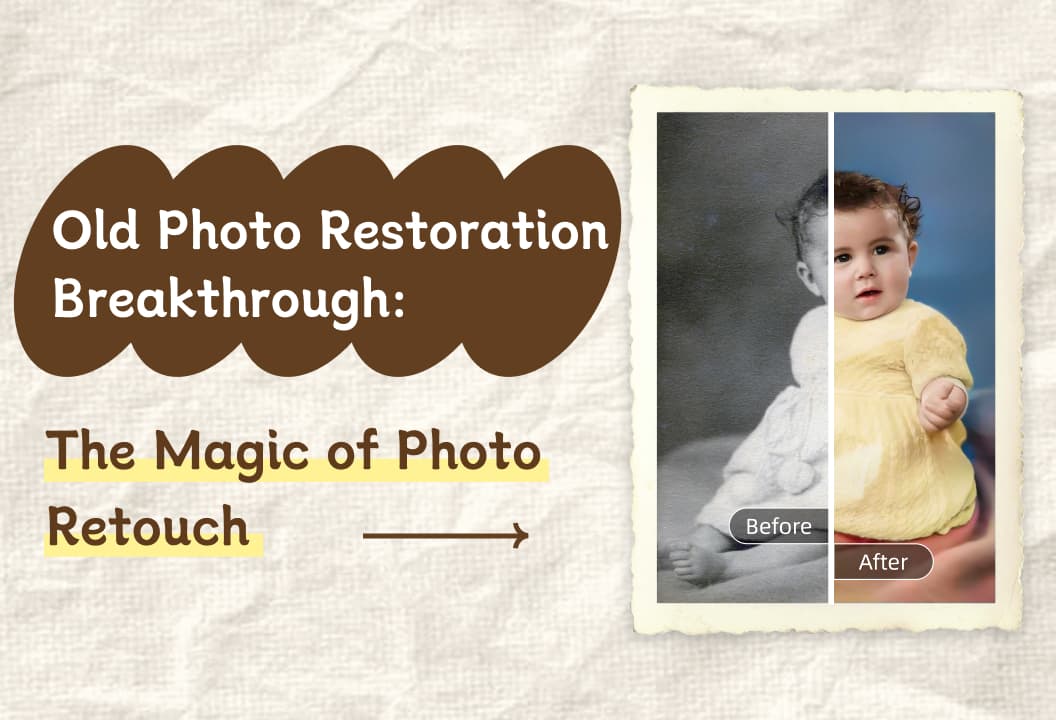
- Old Photo Restoration Breakthrough: The Magic of Photo Retouch
The old photo restoration function can easily restore old photos and awaken ancient memories!

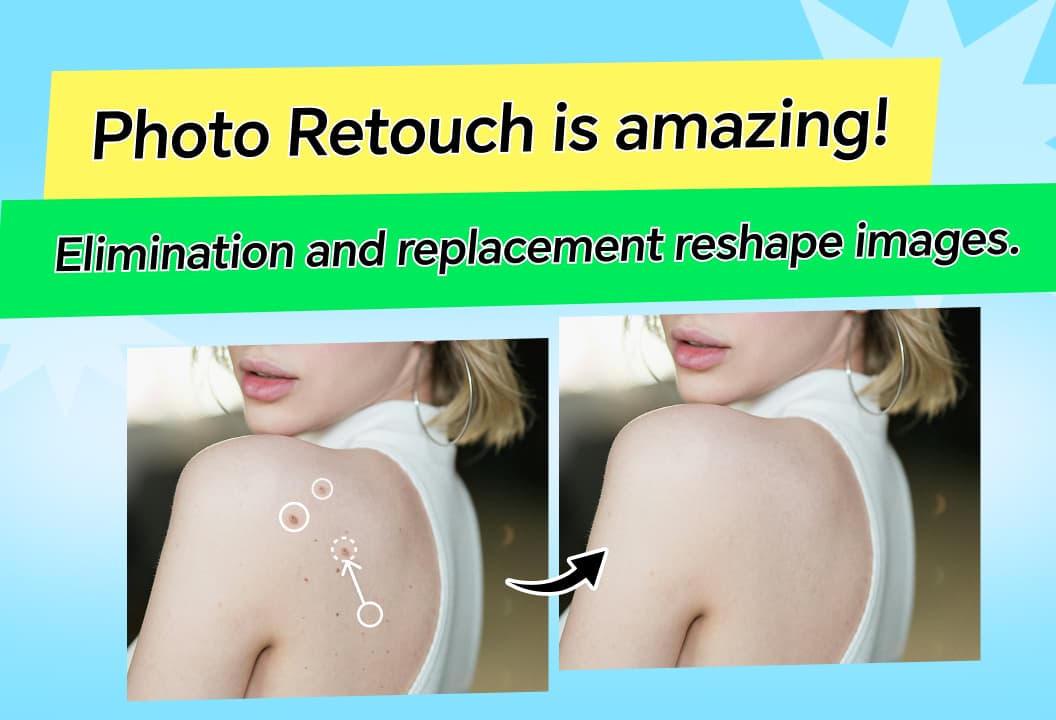
- Amazing! Photo Retouch Elimination and Replacement Feature Reshapes the World of Images
Photo Retouch allows easy removal of unwanted objects, seamlessly filling the space for enhanced, professional-looking photos.

- Use Photo Retouch Portrait Beauty to Freeze Confident Moments
Portrait Beauty enhances your appearance with slimming, body shaping, makeup, and skin enhancement tools.

- Photo Retouch Hair Styles and Colors: Unlock New Inspirations for Daily Looks
Hairstyles and Hair Colors lets you experiment with a variety of hairstyles and colors, helping you easily imagine new looks.

- Photo Retouch Collage: Unlock the Magic of Photo Merging
collage feature lets you effortlessly combine, customize, and share photos, creating unique, memorable layouts.

- Witness the miracle! Photo Retouch losslessly enlarges and saves low-resolution photos
Image Enlargement feature increases photo size without losing detail, enhancing clarity and resolution.

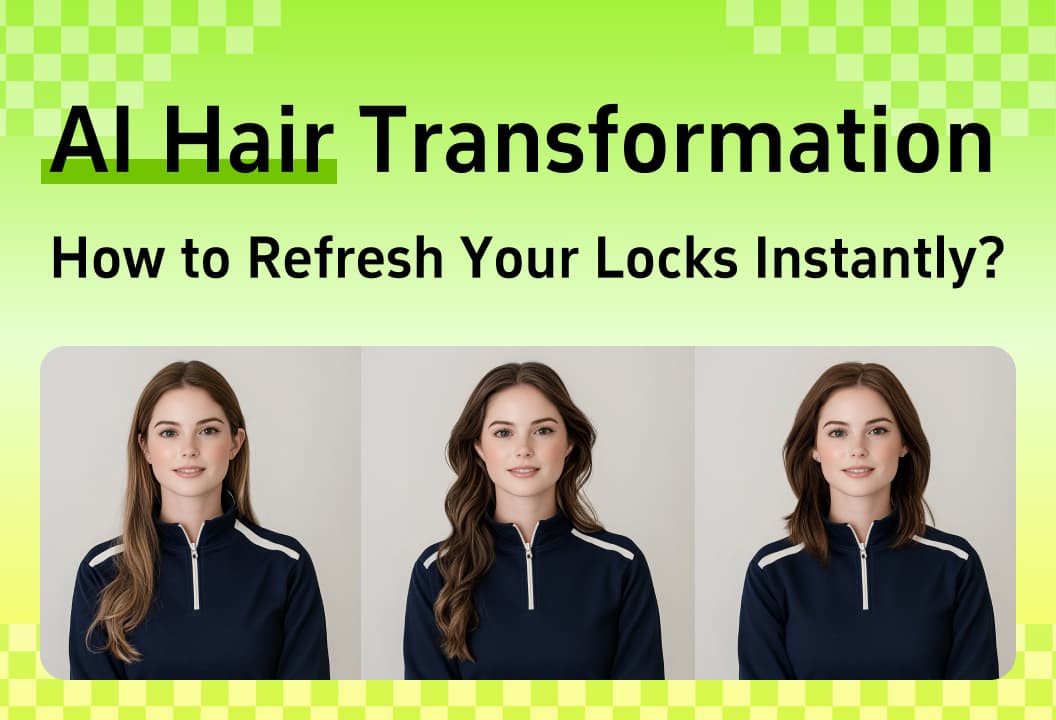
- Photo Retouch AI Hair Transformation: How to Refresh Your Locks Instantly?
AI Hair Transformation feature lets you experiment with different hairstyles and customize your look effortlessly.

- How to unleash your creativity in photo editing? This tool's secrets revealed
Photo Fix tools offer easy-to-use features for enhancing photos with color adjustments, reshaping, and creative effects.

- B&W Colorization: Reviving the Colorful Memories of Old Photos
B&W photo coloring feature brings old black-and-white photos to life by adding vibrant colors and emotions.

- Miracle Makeup: Photo Retouch Kicks Off Your Beauty - Reviving Journey
makeup features let you experiment with different looks, from lipstick to contour, for a flawless digital makeover.

- Fragments Flying: Uncovering the Fantasy Secrets of Photo Retouching
Fragment Scatter feature adds magical, ethereal fragments to your photos, creating dreamlike, artistic effects.

- Newcomer's Guide: Practical Tips for Photo Repair with Photo Retouch
A quick look at video editing for beginners! Multiple functions to help you create eye-catching videos easily.

- What Are the Creative Ways to Use Face Blur in Videos?
Video face pixelation lets you blur faces to protect privacy while enhancing your content creatively.

- Video Tracking Removal: Why It's a Must - Have for Modern Video Content
Video Tracking Removal automatically blurs moving objects or faces, ensuring privacy while enhancing content and adding mystery.

- How to Enhance the Artistry of Photos with Photo Retouch's AI Expansion Feature
AI expansion highlights subjects, adds depth, and enhances color , transforming photos into stunning art.

- Newcomer's Guide: Practical Tips for Photo Repair with Photo Retouch
Photo Retouch helps restore old photos with simple steps: backup, import, use one-click restoration.

- Must - Know! A Comprehensive List of Practical Tips for the Photo Retouch Collage Function
Learn how to create stunning collages with Photo Retouch using layout, proportion, borders, background, and shadow tips.

- Photo Retouch Lossless Enlargement: Advanced Techniques to Make Your Photos Stand Out
Enhance your photos with Photo Retouch's lossless enlargement for clearer, high-quality images.

- Must - Know! A Comprehensive Analysis of AI Painting Techniques and Diverse Usage Scenarios
Explore AI painting techniques and usage scenarios for creative, business, and educational purposes.

- Photo retouch AI Removal: tips from beginner to professional
Master Photo Retouch's AI Removal, background replacement, and stroke features for professional image editing.

- Deep Dive: Practical Tips for Using Photo Retouch's Object Removal
Master Photo Retouch's Object Removal with tips on selection methods, brush sizes, and text removal.

- Photo Editing Tips: Say Goodbye to Ordinary Photos
Enhance your photos with color adjustments, smoothing, liquify, stickers, and creative editing techniques.

- Photo Retouch Portrait Beauty: Create Your Personalized Stunning Makeup Look
Photo Retouch beauty features, from lipstick to contouring, allow you to customize your perfect makeup look.

- Must-See Tips for Video Editing Beginners
With Photo Retouch video editing, master filters and other techniques to easily create videos.

- Master These Clone Function Tips to Easily Solve Image Editing Challenges
Techniques like Copy and Clone, Clone Stamp, and others make image editing hassle-free.

- Vignette Function: Easily Tidy Up Cluttered Scenes and Focus on the Visual Center
Enhance your photos with the vignette function to highlight subjects and reduce distractions creatively.